 X-Dreamers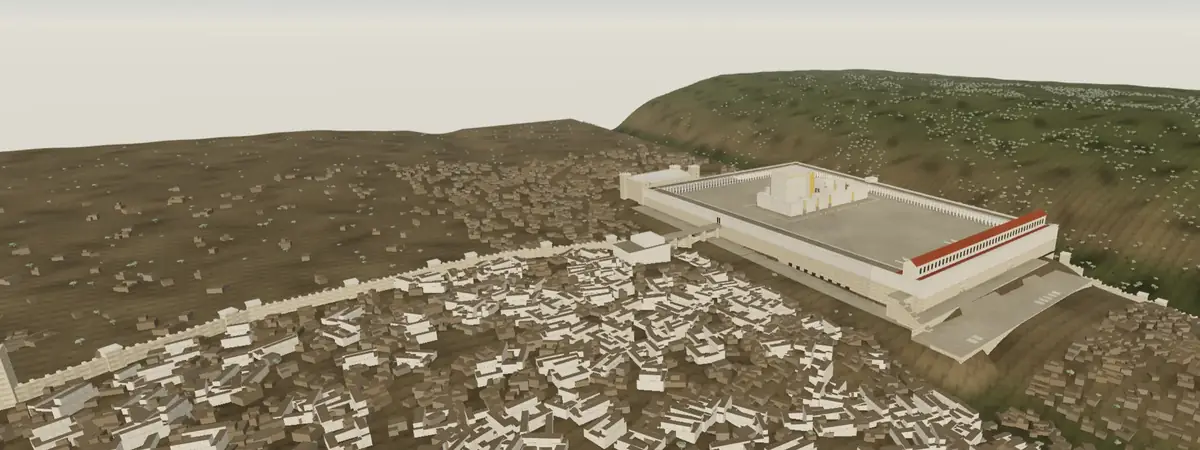
All Bible Labs
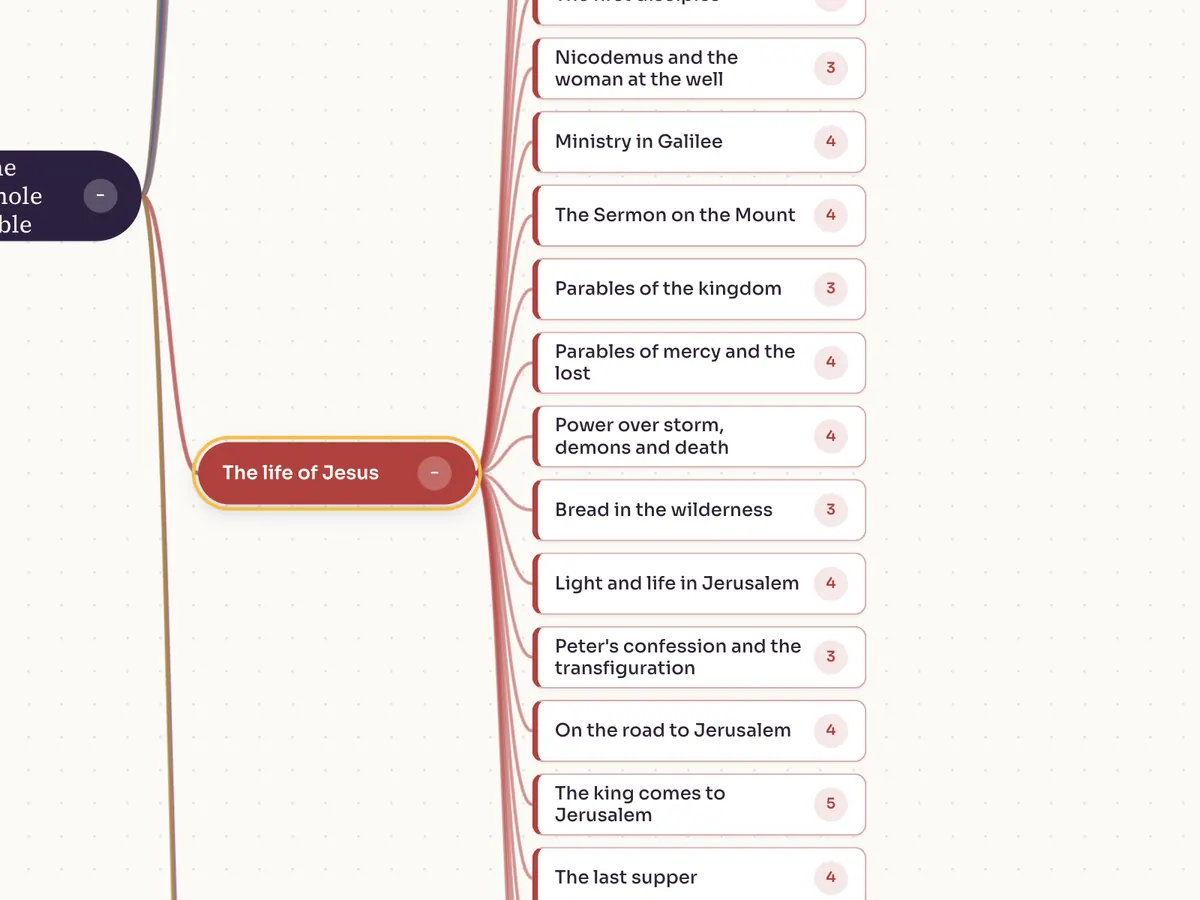
Every lab in one place: immersive 3D places to step inside, maps and journeys, people and time, and the words behind the text. Start from the passage you're reading, or filter by kind, by book or by how you'll use it.
Watch the video guideHow to use the Labs, step by step, in 13 minutes.Start here
Step inside3D
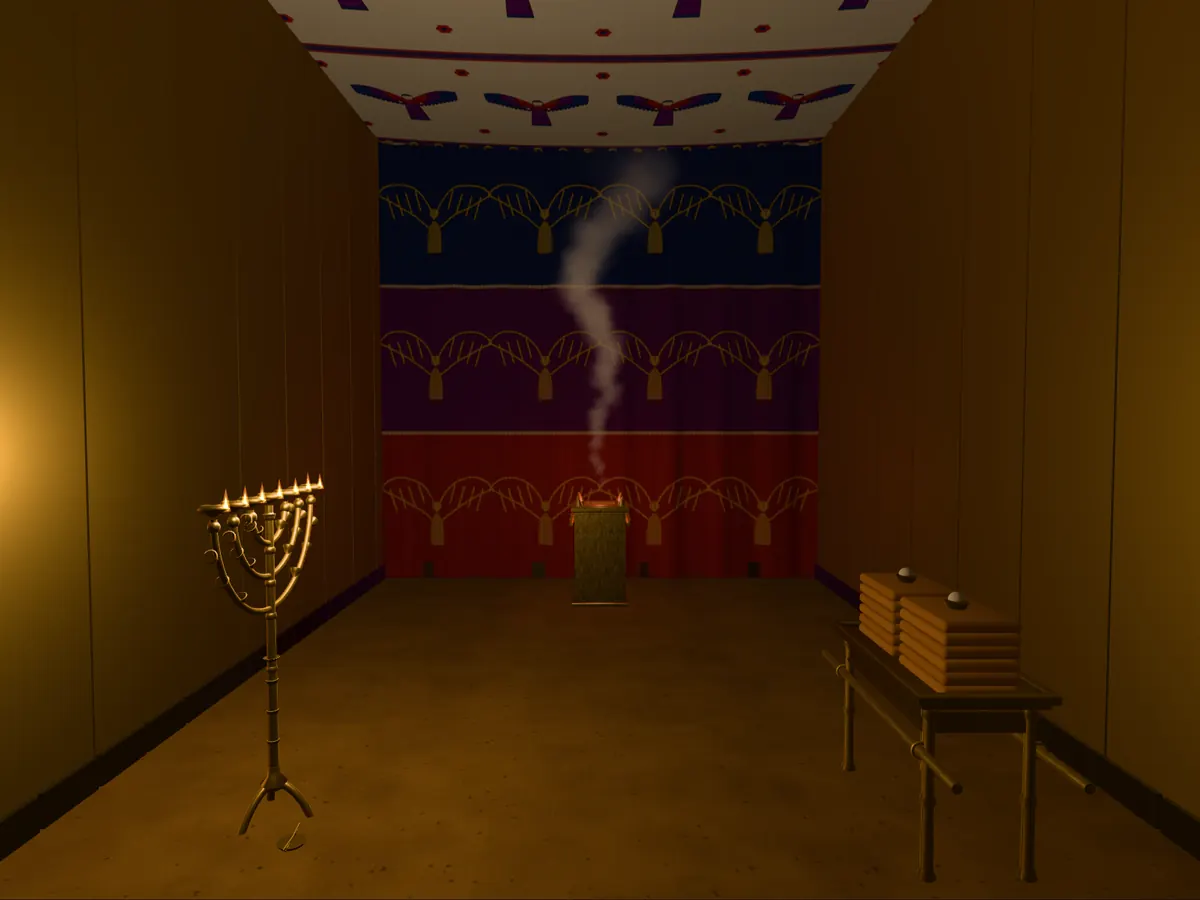
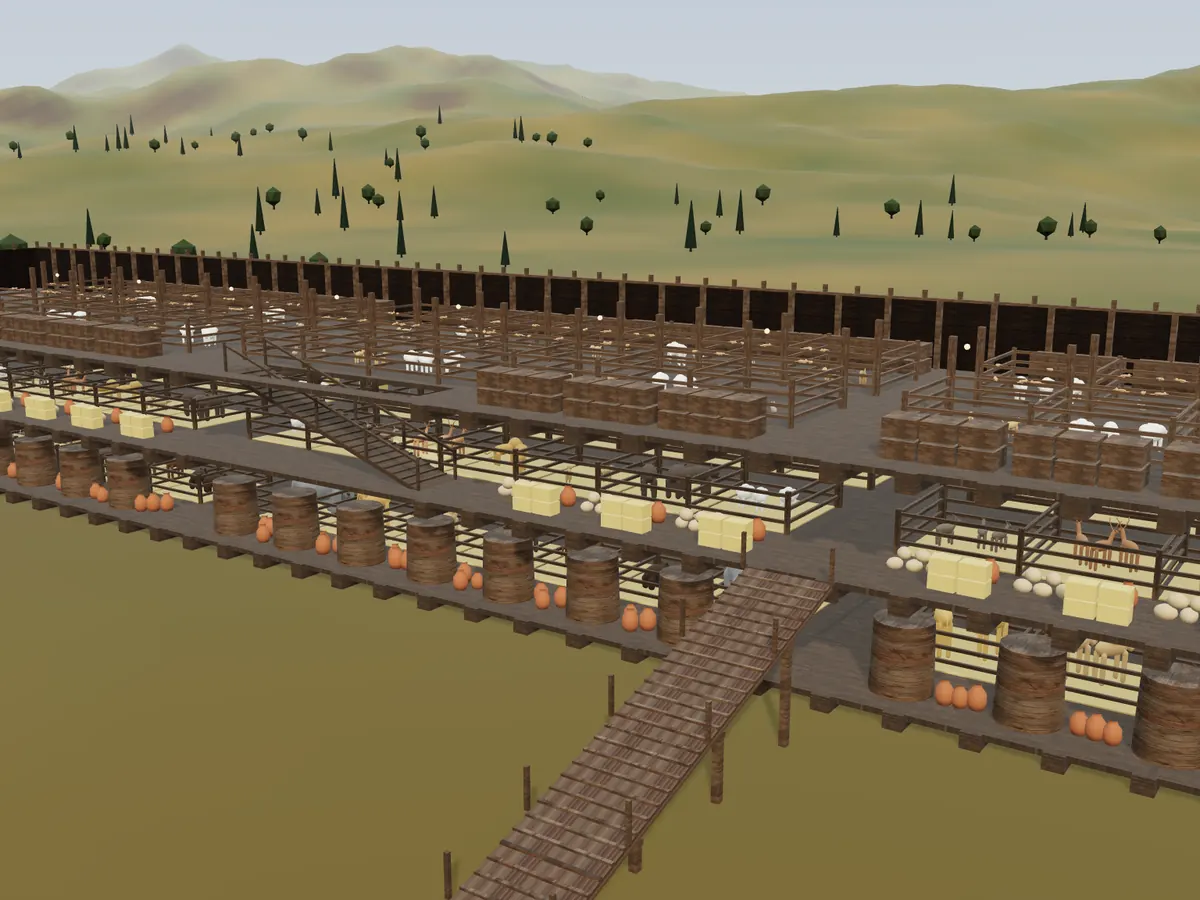
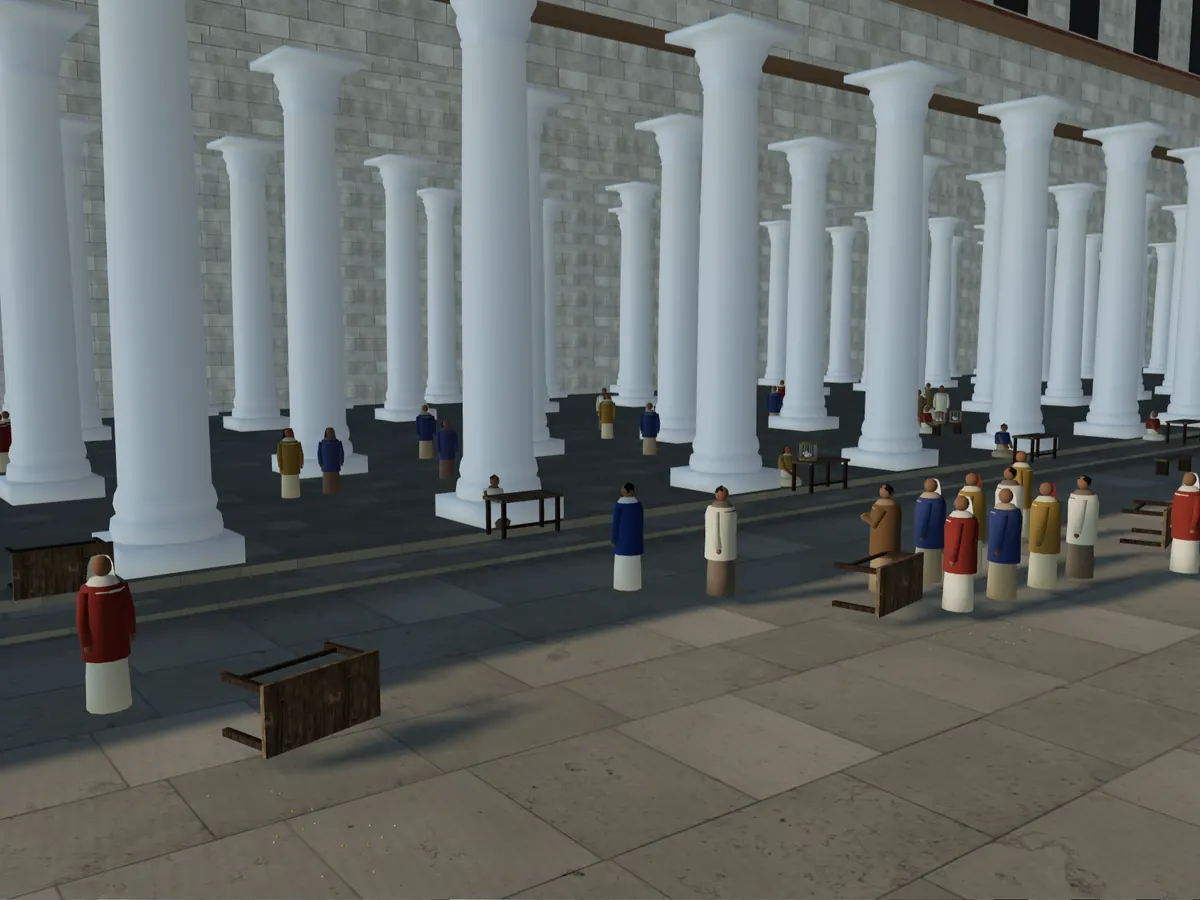
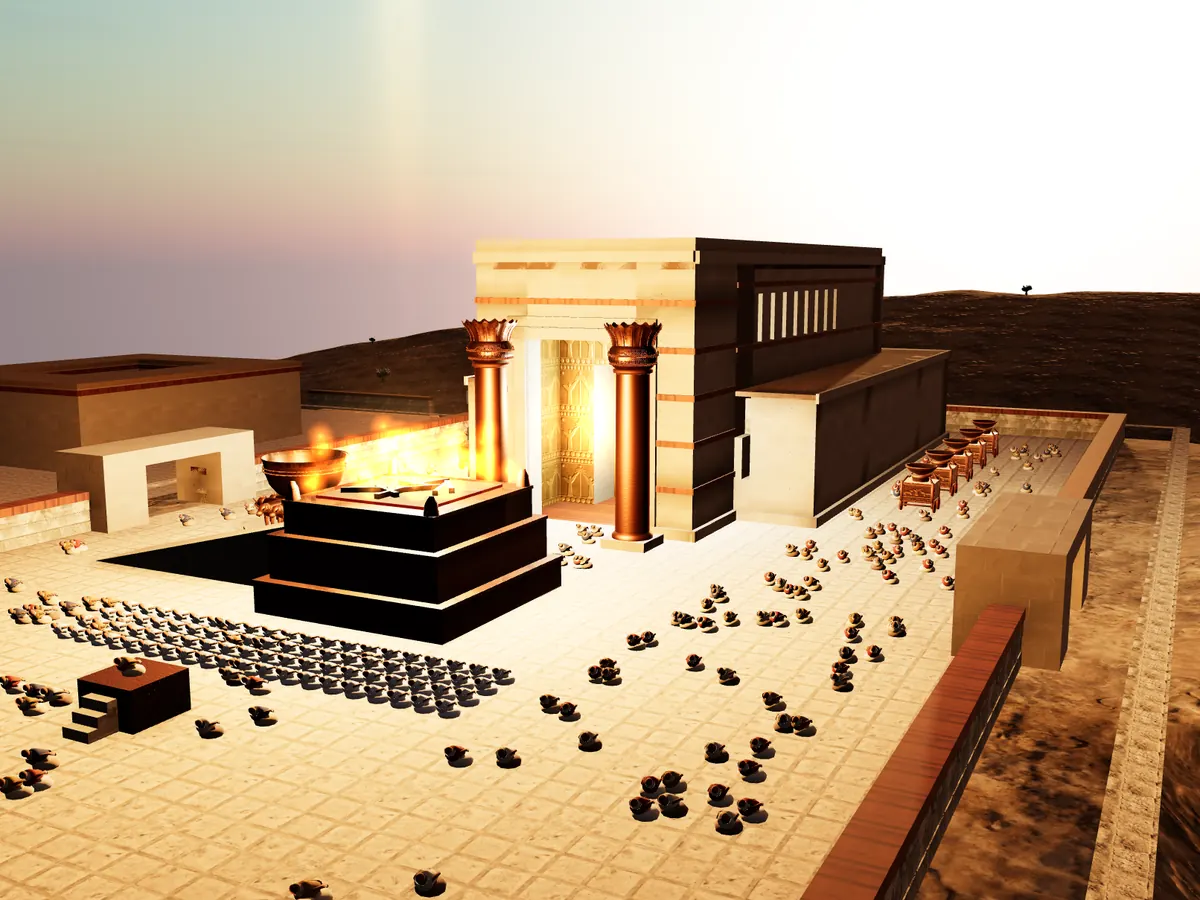
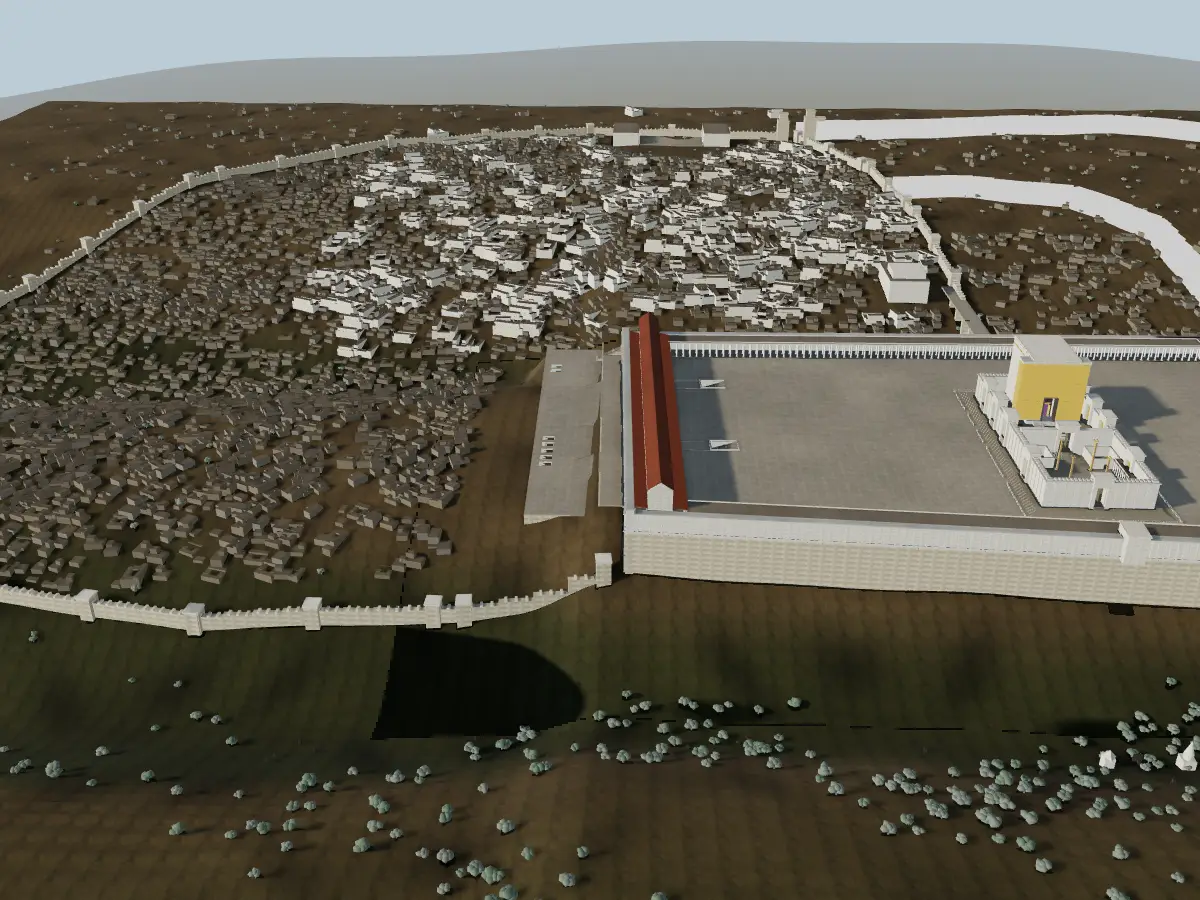
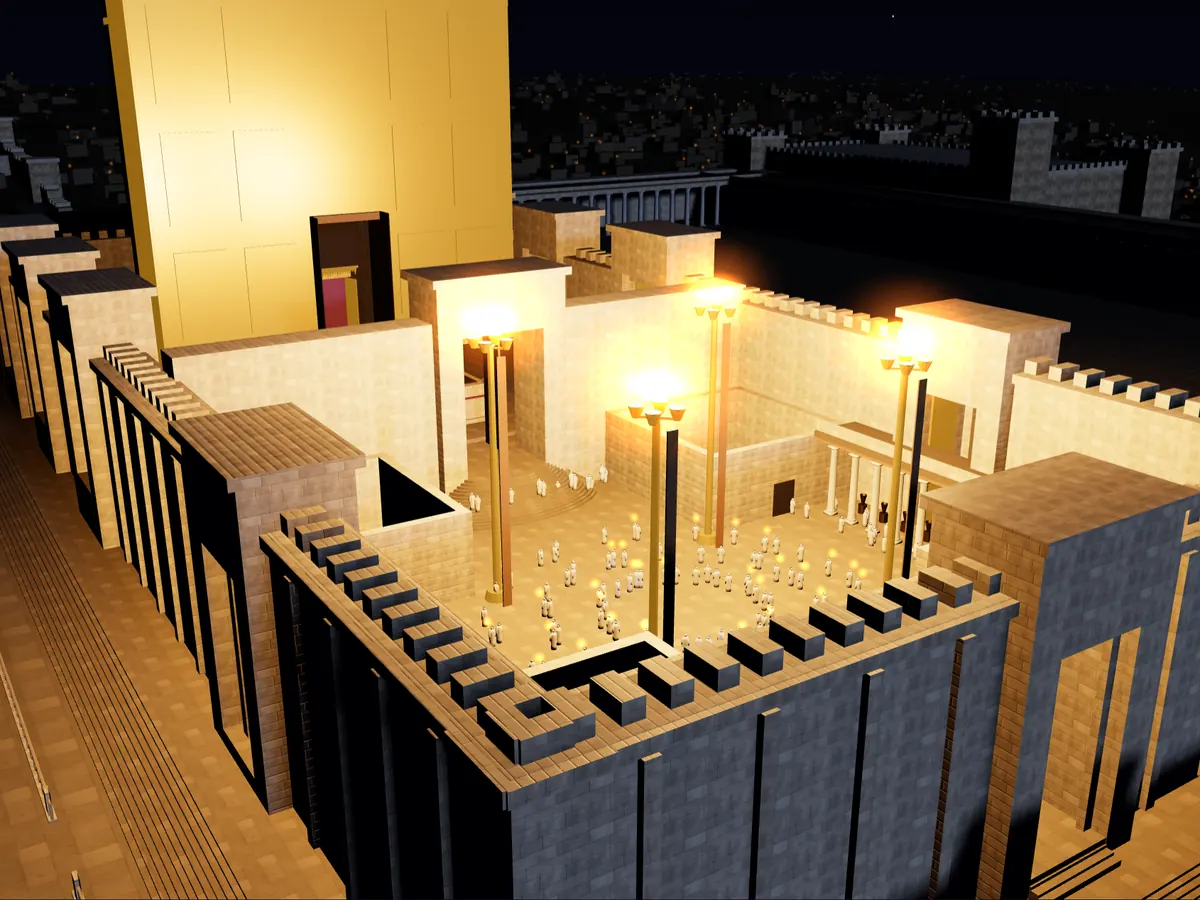
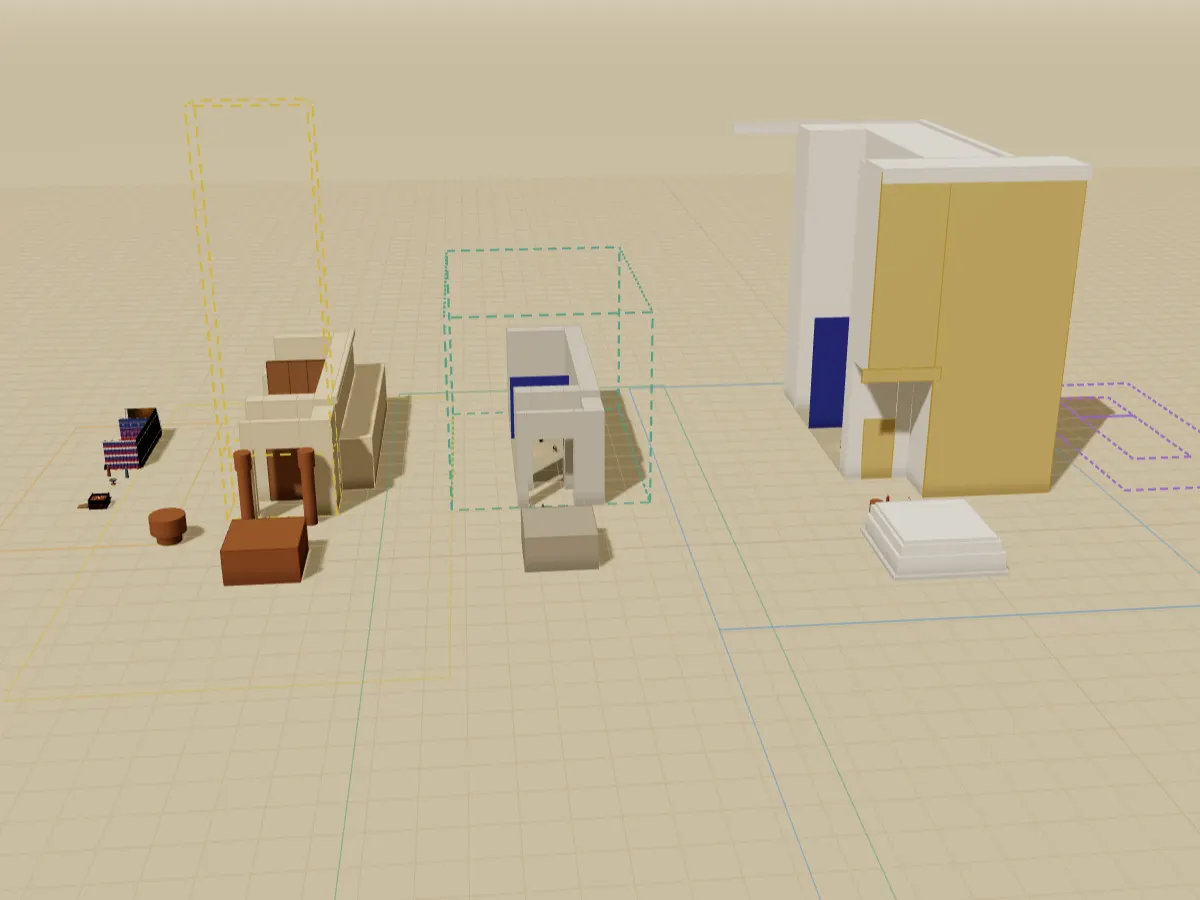
Immersive places rebuilt from the text: walk into the Tabernacle, board the ark, follow Jesus through Jerusalem.
Maps & journeys
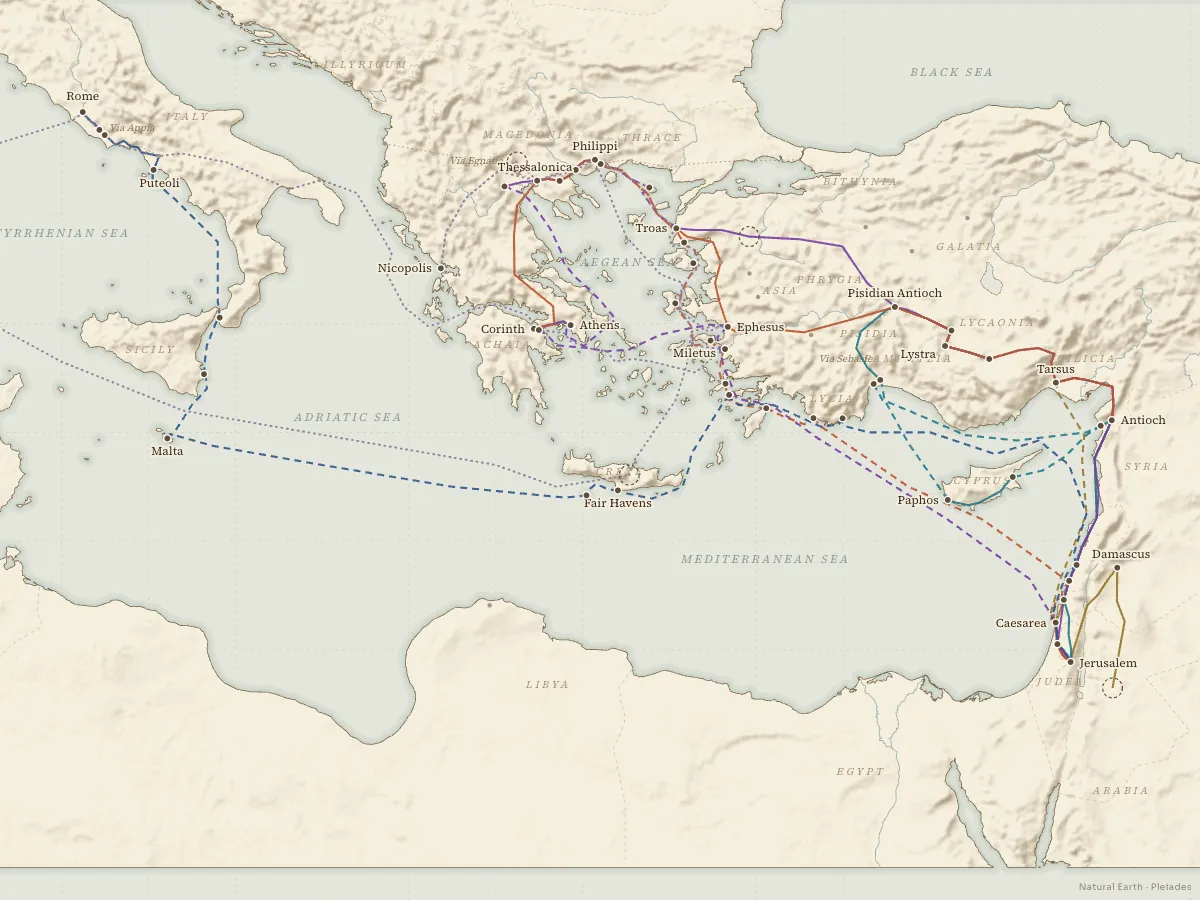
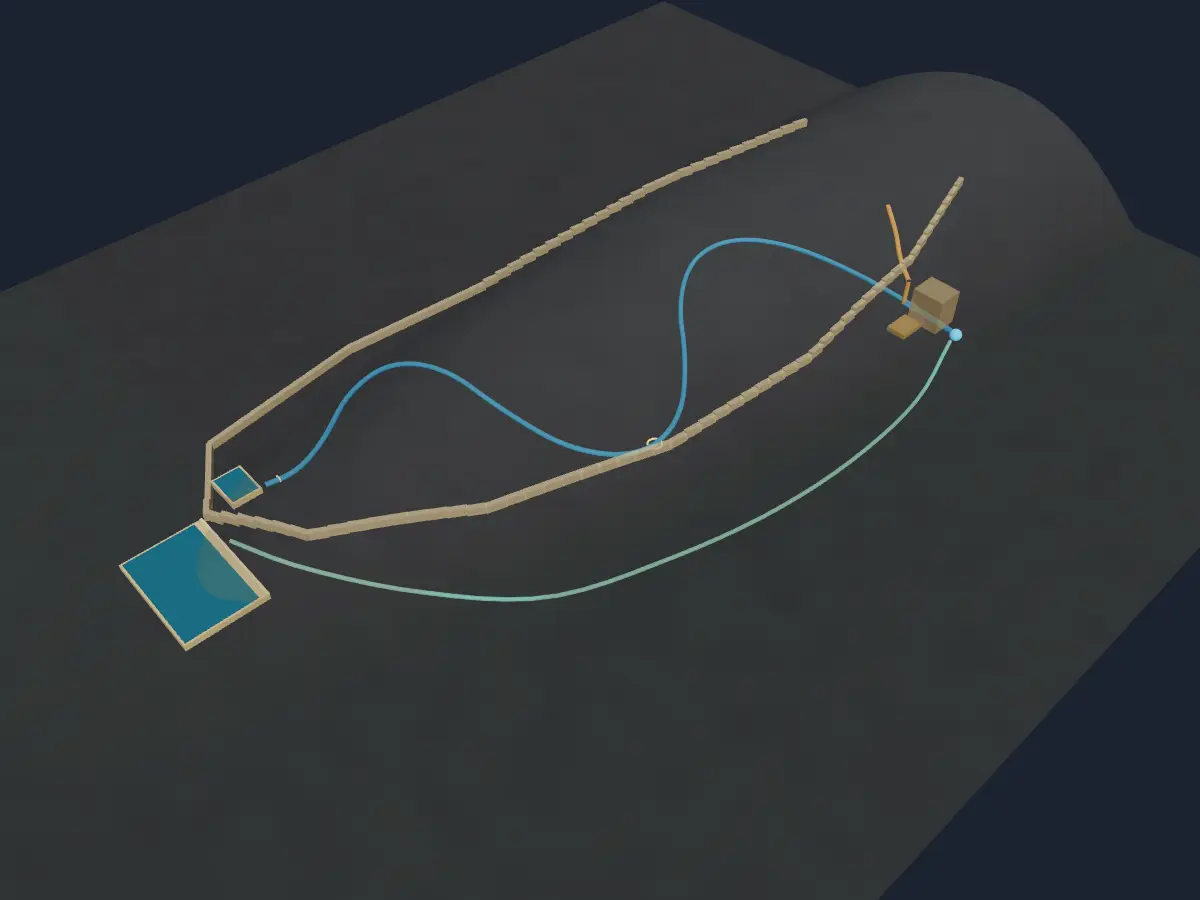
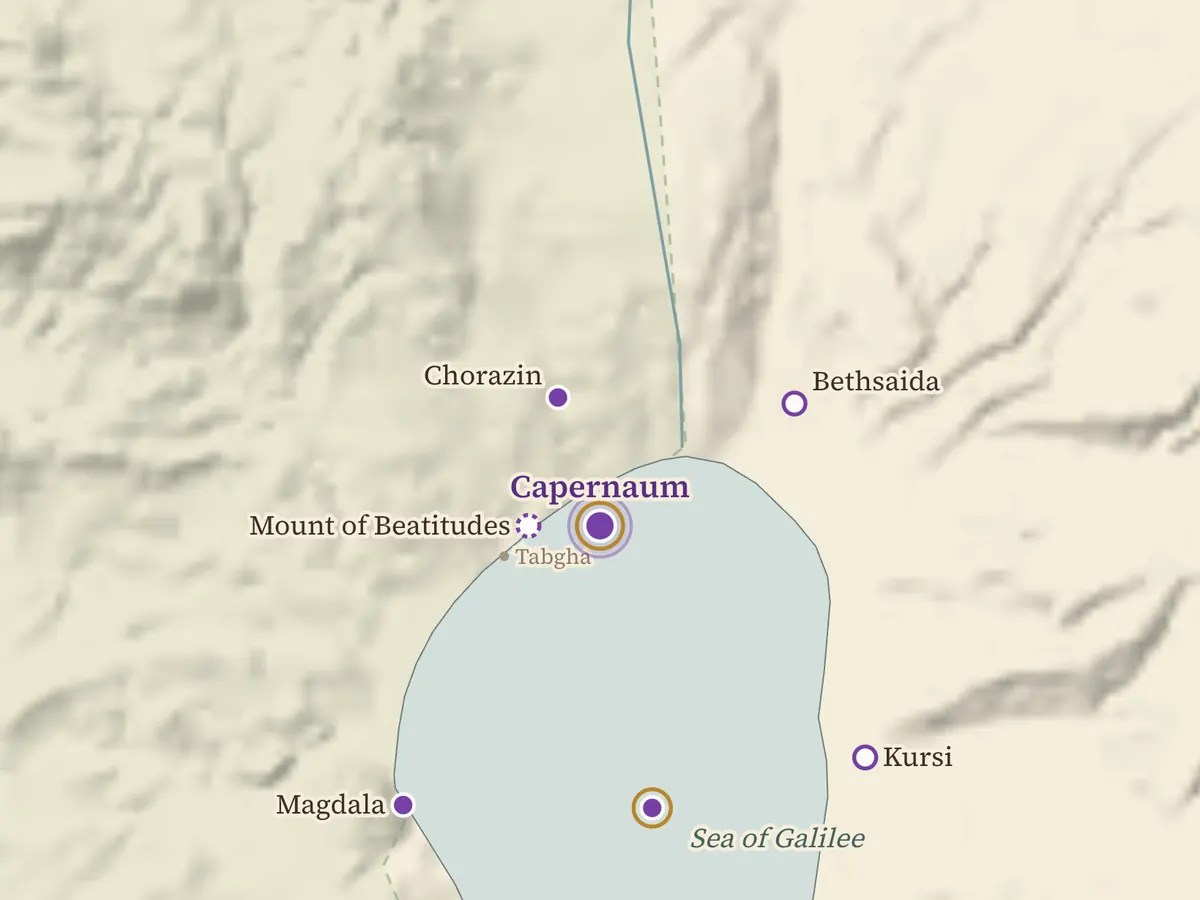
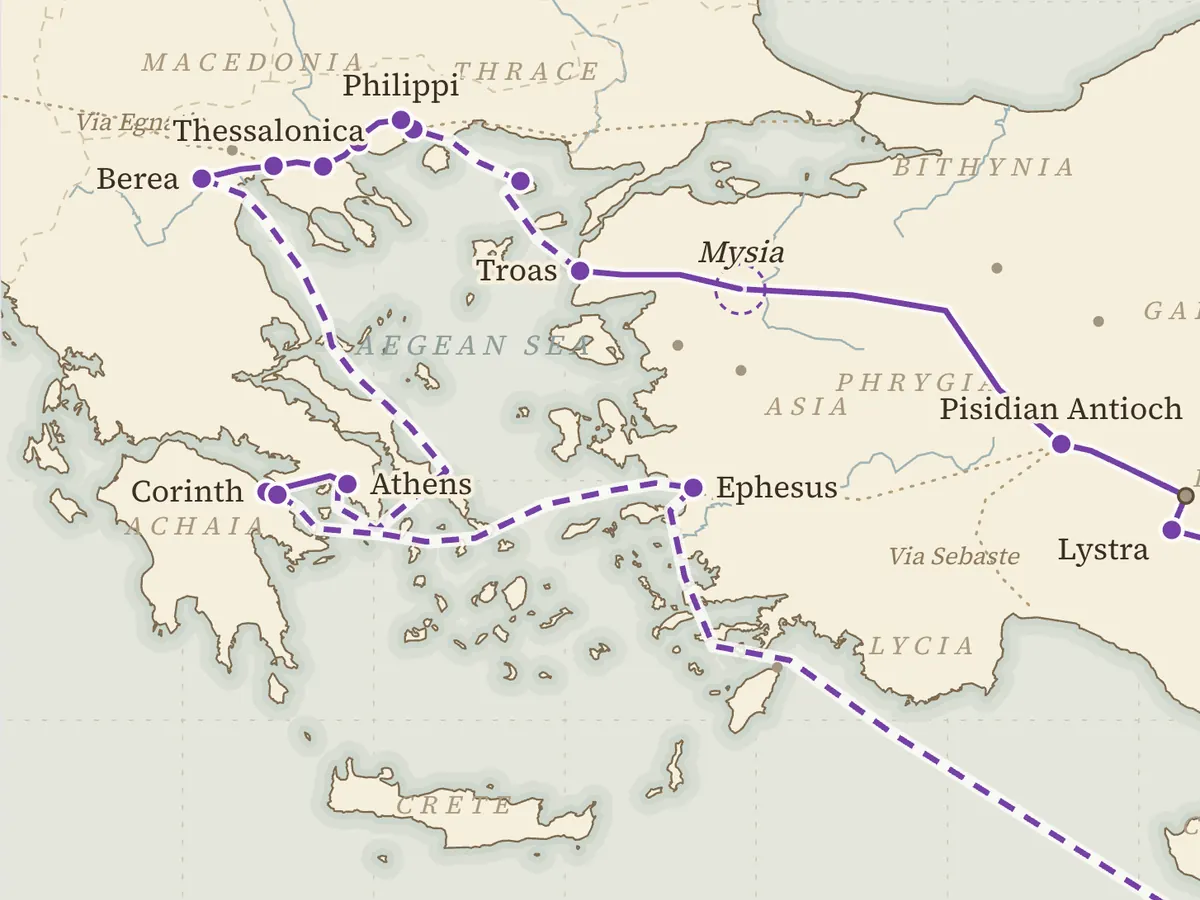
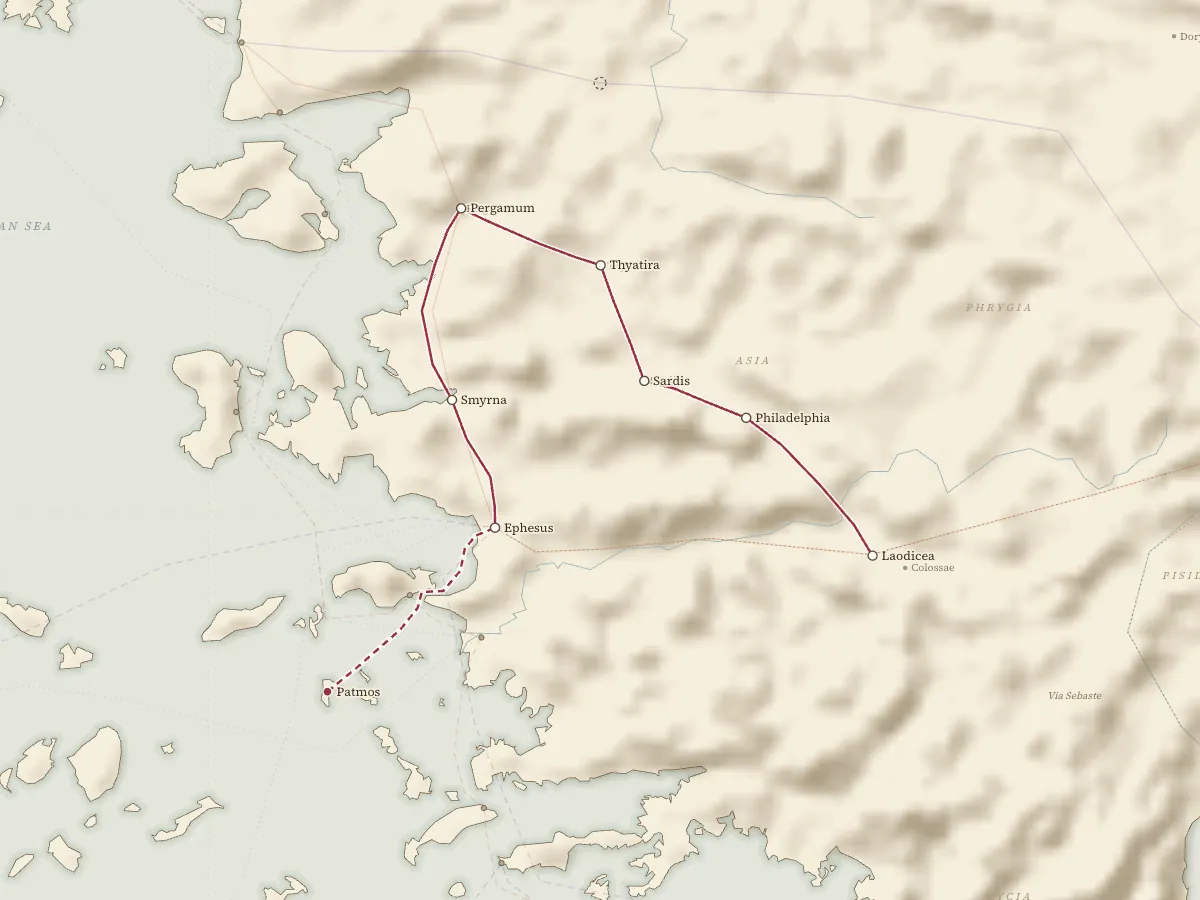
Follow the roads: the Exodus, Jesus in Galilee and Judea, and Paul across the Roman world. See all Bible Maps →
People & time
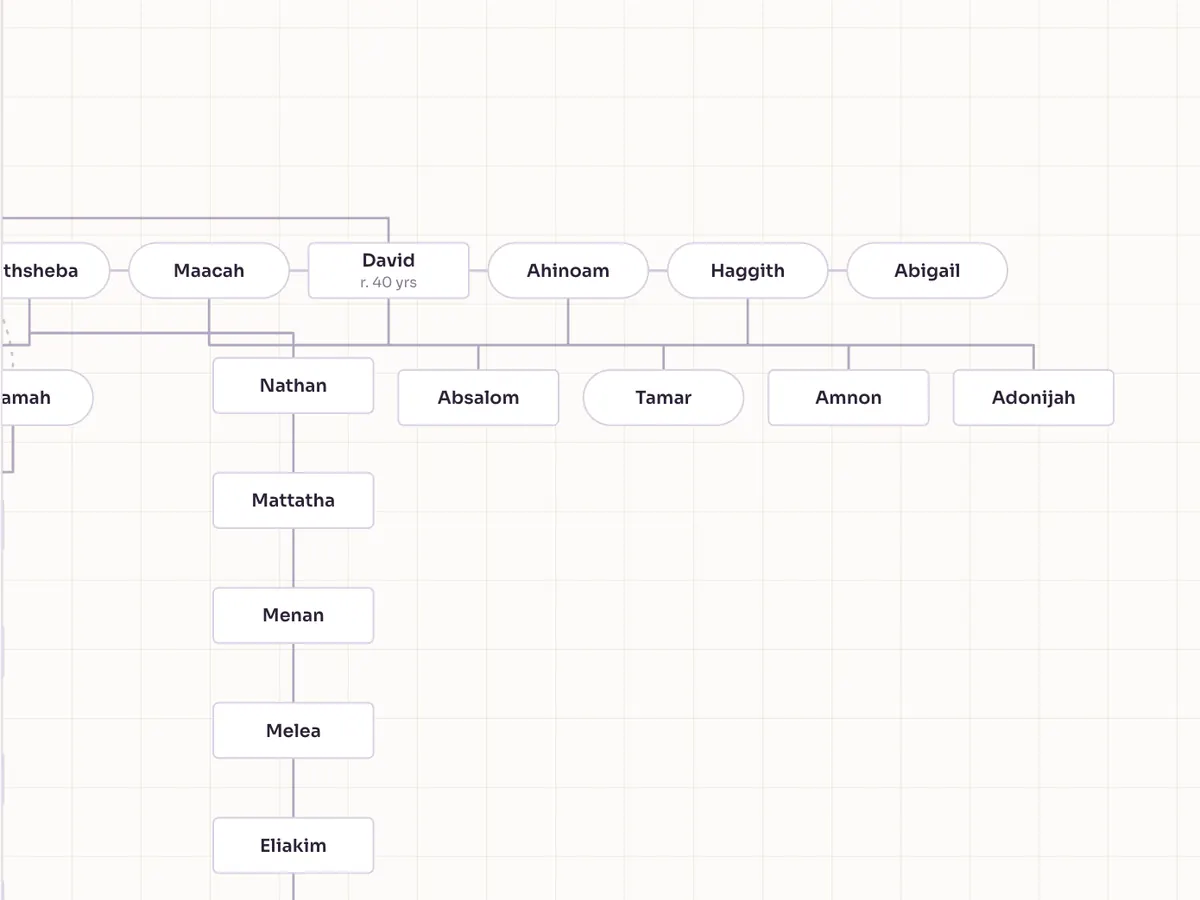
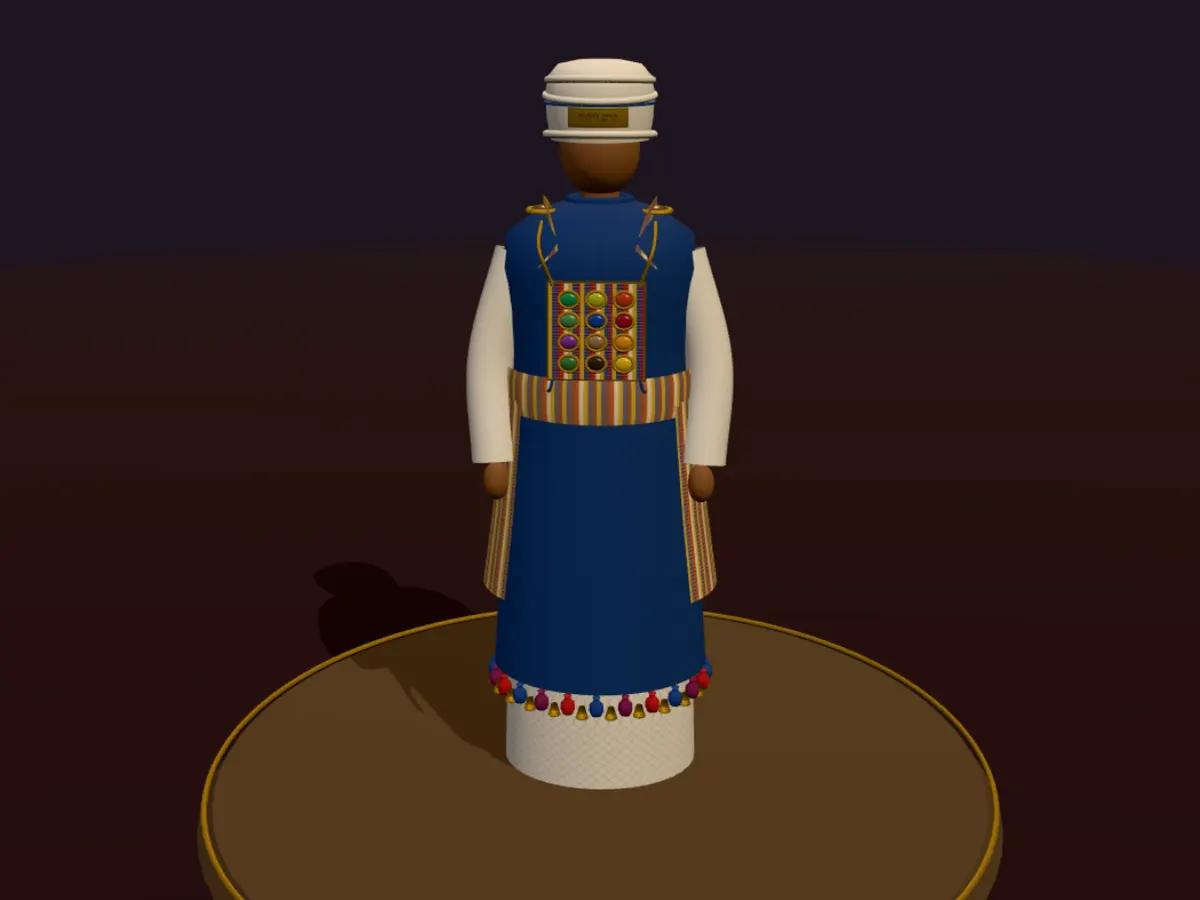
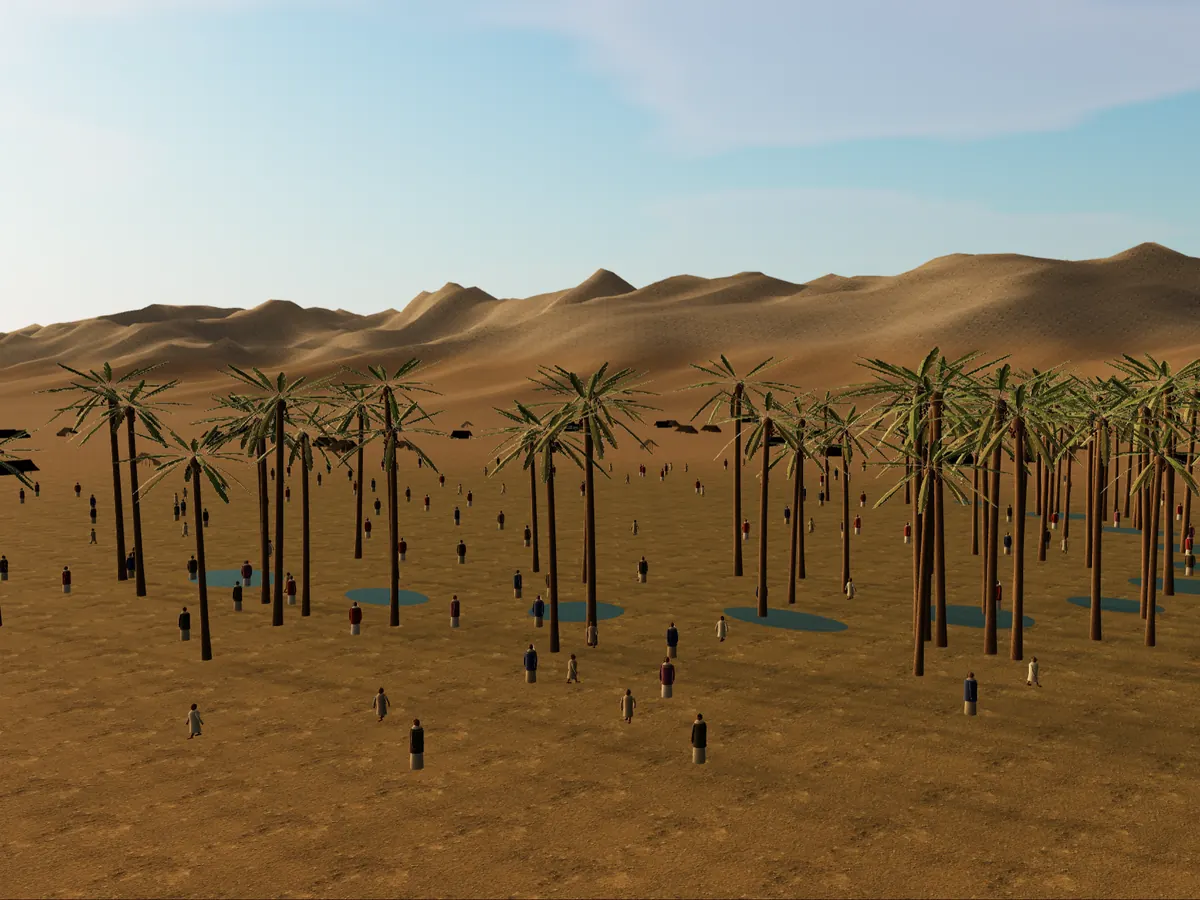
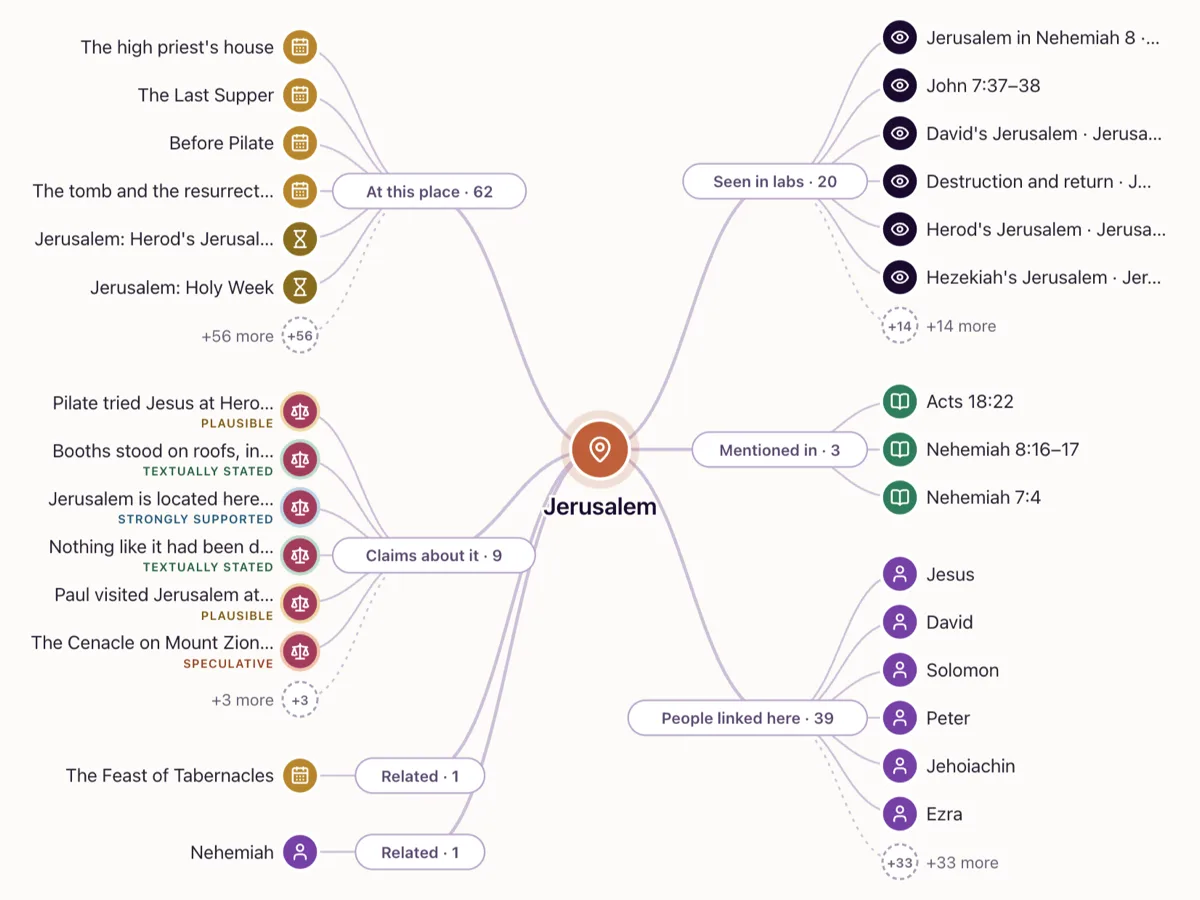
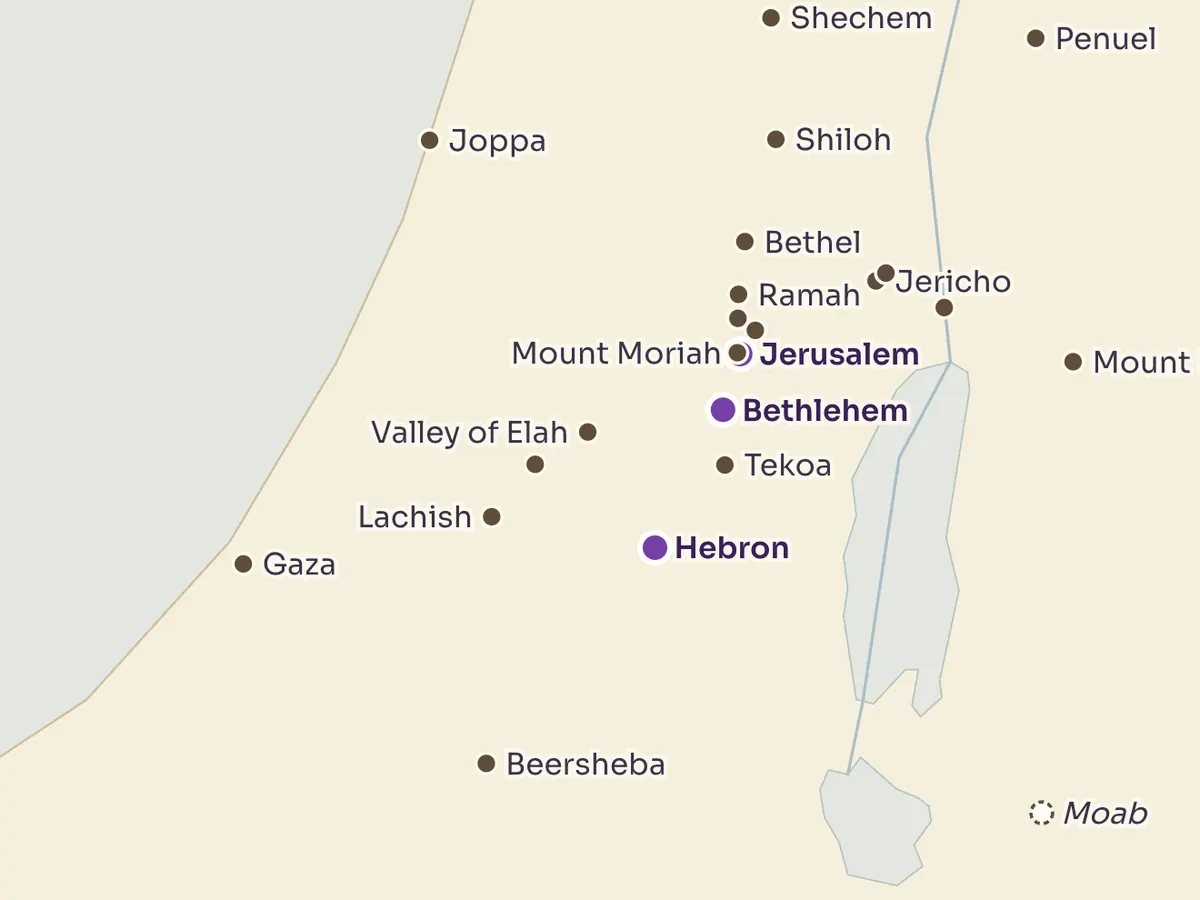
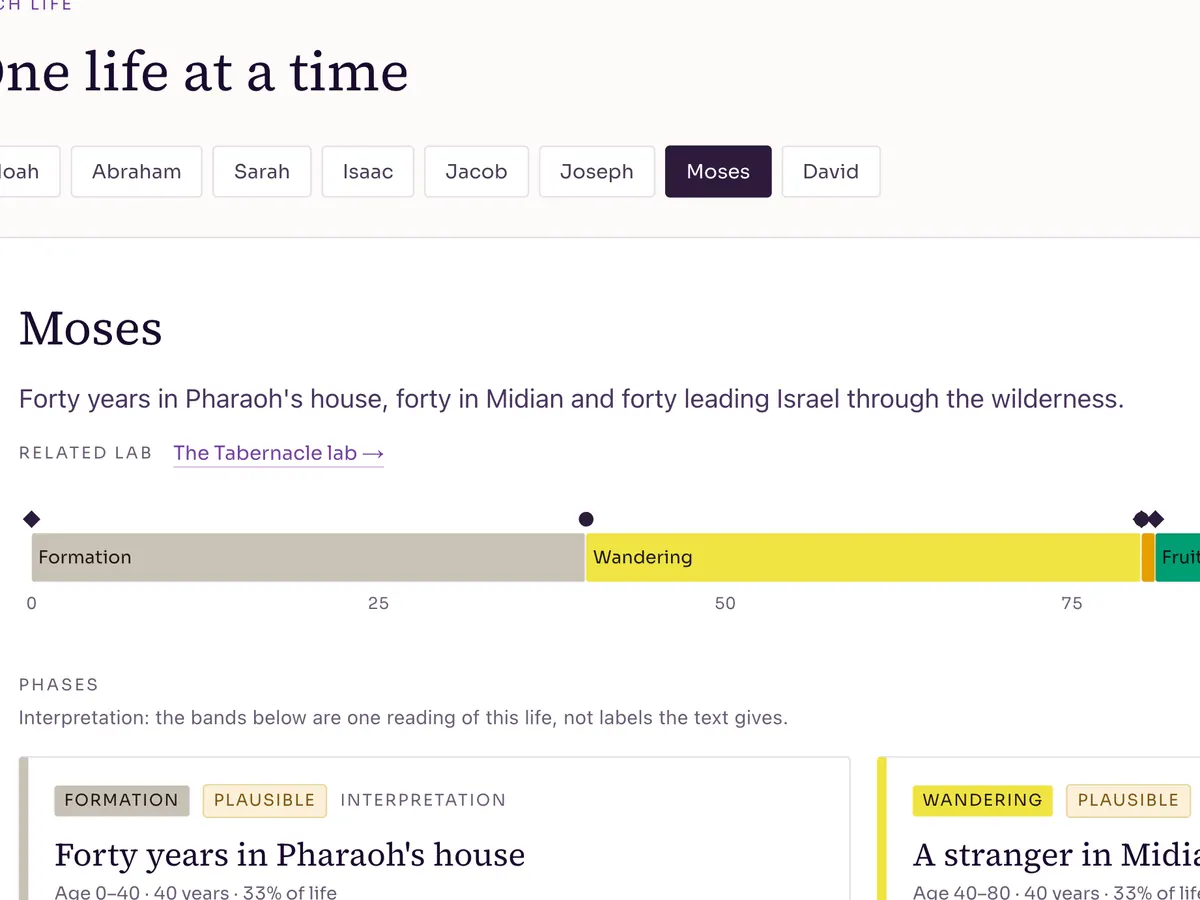
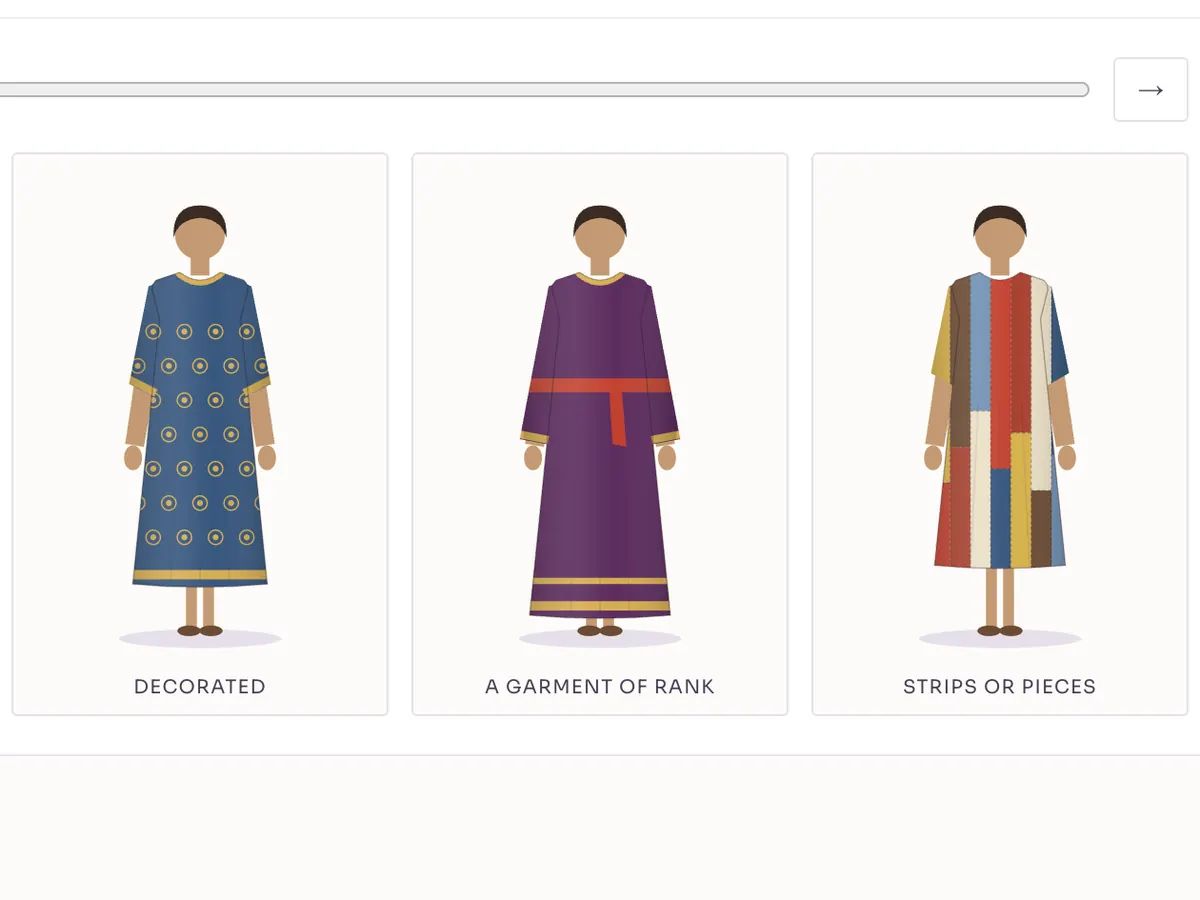
Who was who, who came when, and how the people and places connect.
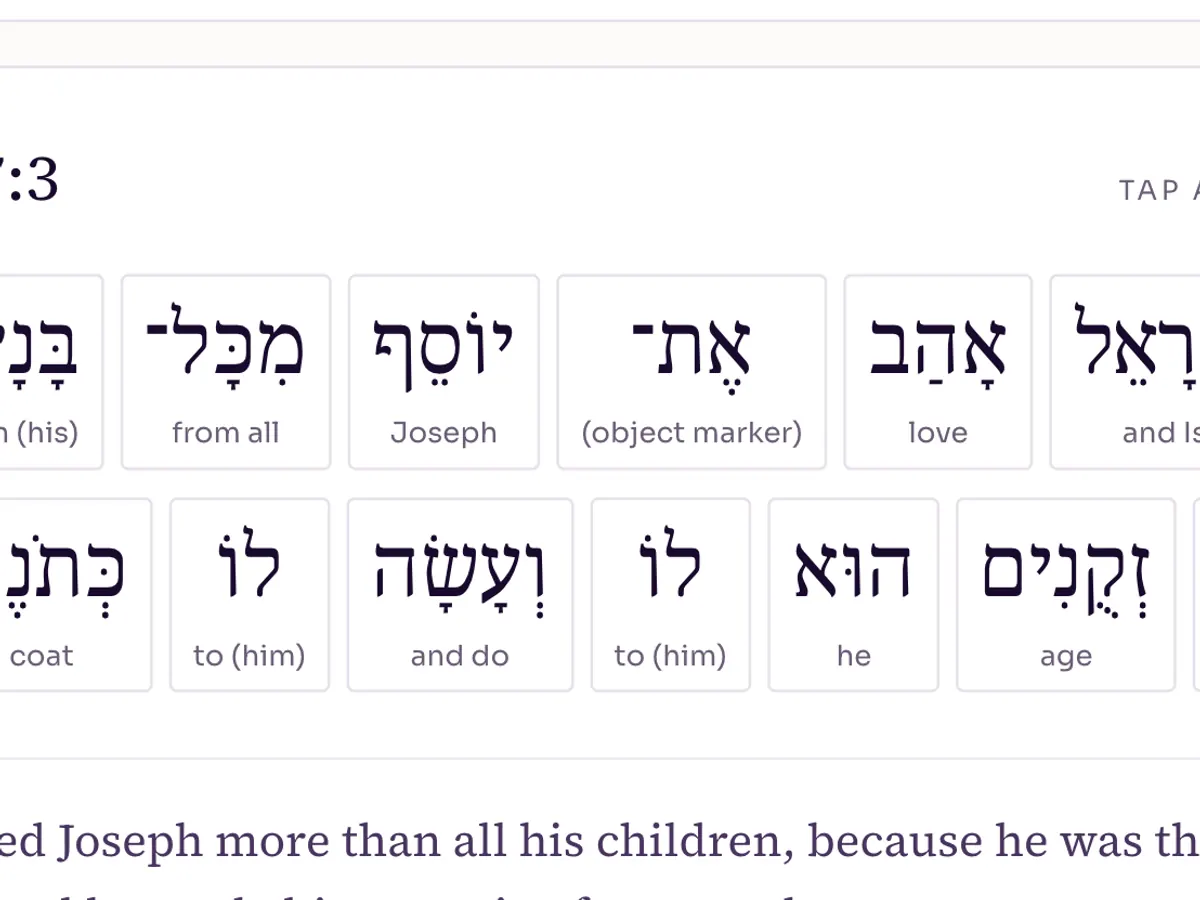
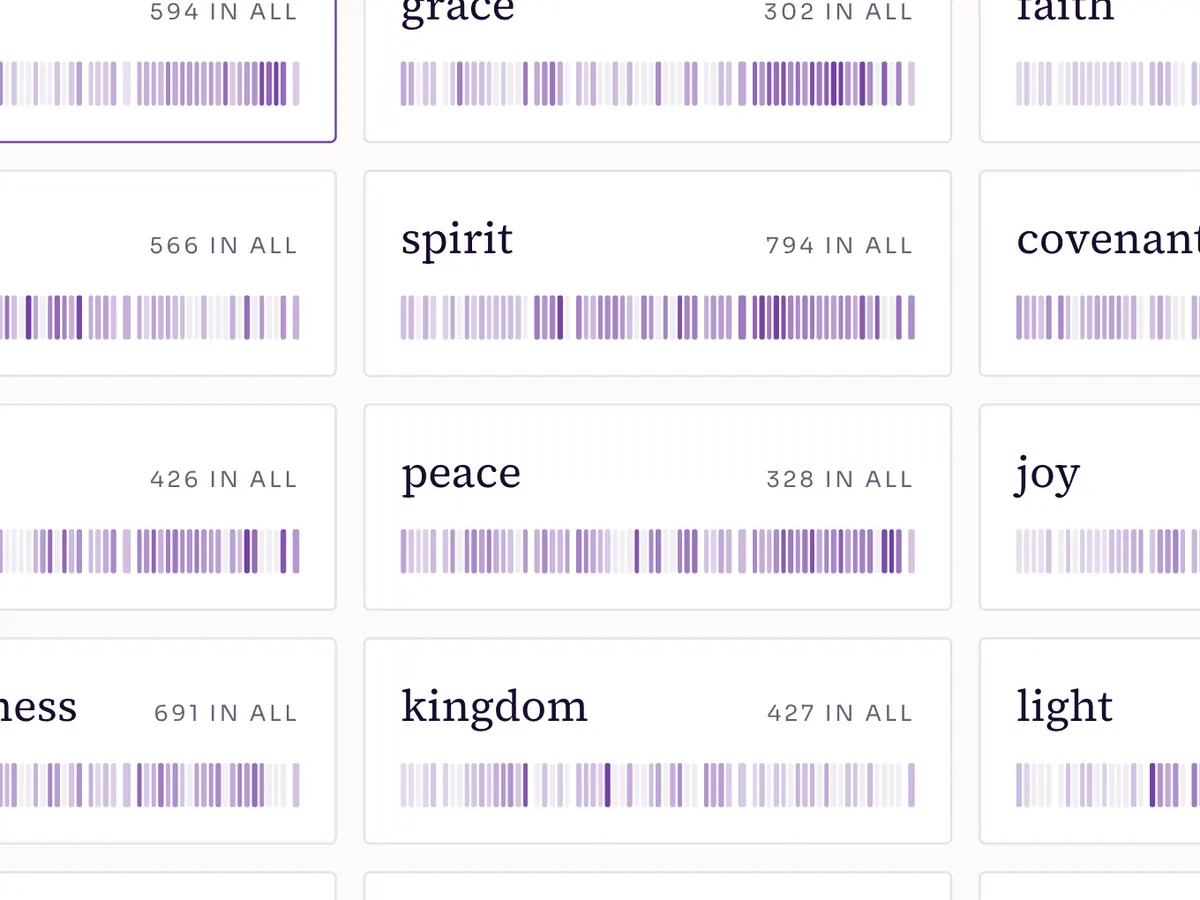
Words & Hebrew
The words behind the translation: Hebrew roots, and where a word turns up.
Children
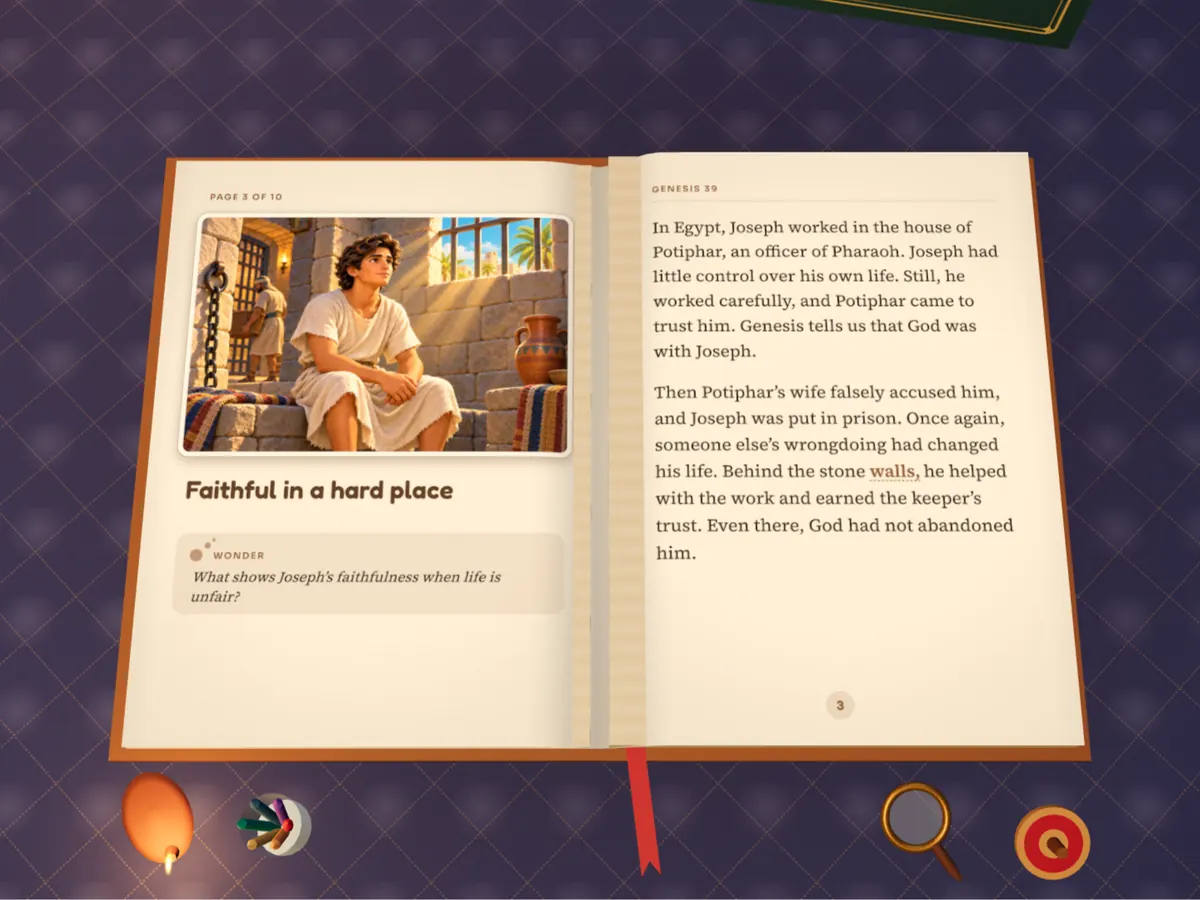
Bible stories read aloud, with pictures.
A different way in
Start from a verse
Begin with one verse and open its world door by door: when it happened, where, the space, the background, and how it is read. Each door leads into the labs.
All verse journeysFrequently asked questions
Which Bible Lab should I start with?
Start with the Tabernacle. It is the most complete lab, with a guided tour of 25 stops, and it shows how every lab marks what the text says and what the model adds. If you are reading a particular passage, type it into the box at the top of this page instead, and it will open the lab or chapter guide for it. Open the Tabernacle
Which labs work best on a phone?
The labs marked “Works on phones”. The maps, timelines and charts run on any phone, and the 3D labs with that mark have touch controls, an on-screen stick and a full-screen view. The 3D labs need a fairly recent phone; on an older one, switch to Lite 3D or read the text version. When the 3D labs don't show
Which labs can I teach with?
Any lab can go on a screen, but the ones marked “Teach mode” are made for it: big text for the projector, clicker keys, presenter notes and a printable sheet, with the lesson length on each card. Choose “Class & Sunday school” above to see only those. Guide for teachers